ROUTINGFIELD NOTEupdated 4 min read
BGP basics: autonomous systems, peers, and routes
Learn what BGP does, how autonomous systems and peers exchange routes, and then explore interactive route selection, configuration, and practice.
Routing / Field note
Follow BGP OPEN, UPDATE, KEEPALIVE, and NOTIFICATION messages, then see how the six neighbor states build and maintain a session.
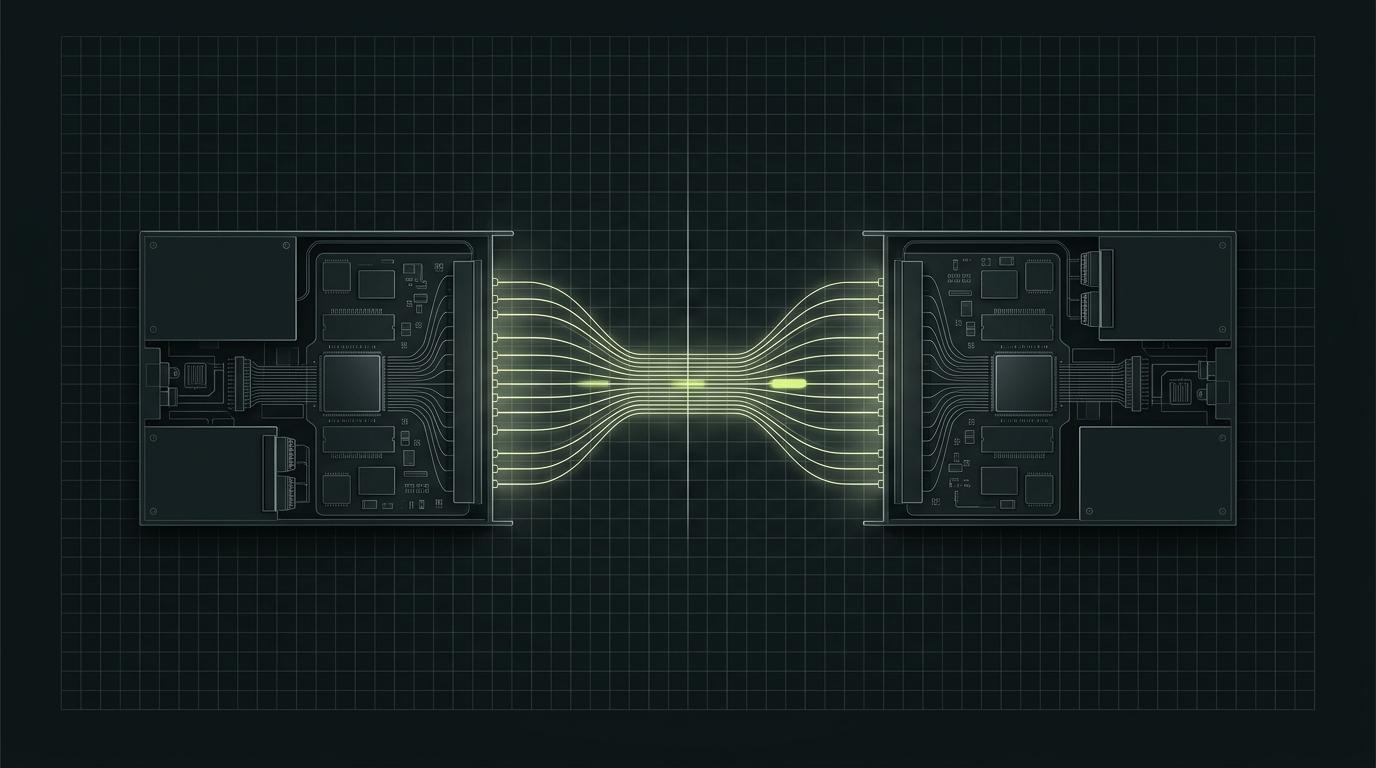
Local autonomous system
Edge Router A
AS 64512
192.0.2.1 · Router ID 192.0.2.1
Remote autonomous system
Edge Router B
AS 64520
192.0.2.2 · Router ID 192.0.2.2
The peers introduce themselves and propose the session parameters they support.
Both peers · after TCP connects
Example-only documentation addresses. Real peers need matching neighbor configuration, reachability, and policy on both sides. Open the interactive lab →
BGP neighbors do not exchange routes as soon as a cable comes up. First, they establish a reliable TCP connection. Then they exchange BGP messages to identify each other, agree on session details, and decide whether the session can reach the Established state.
This guide introduces the four core BGP-4 message types and the six neighbor states. The interactive lab lets you step through a normal session and inspect each message along the way.
BGP uses TCP port 179. TCP provides the ordered, reliable connection between peers; BGP uses that connection to exchange routing information and session control messages. A successful TCP connection is necessary, but it does not prove that the BGP session is configured correctly.
Every BGP message begins with a 19-octet header:
| Header field | Size | Purpose |
|---|---|---|
| Marker | 16 octets | Supports message framing and compatibility; its exact use depends on the message and negotiated capabilities. |
| Length | 2 octets | Gives the total message length, including the header. |
| Type | 1 octet | Identifies the message that follows. |
The length includes the header. A message is at least 19 octets long. Most messages can be up to 4,096 octets; extended message support can allow larger messages when negotiated.
| Message | Type | What it does | When you will see it |
|---|---|---|---|
| OPEN | 1 | Starts a BGP conversation by identifying the speaker and proposing session parameters and capabilities. | Each peer sends an OPEN after the TCP connection is established. |
| UPDATE | 2 | Advertises reachable routes, withdraws routes, or does both in one message. | During initial route exchange and when reachability changes. |
| NOTIFICATION | 3 | Reports a BGP error and closes the BGP connection. | When a speaker detects a protocol or session error. |
| KEEPALIVE | 4 | Confirms that the peer is still active when no other message has refreshed the hold timer. | Periodically, unless the negotiated hold time is zero. |
An UPDATE carries route information such as network-layer reachability and path attributes. It is not a periodic “I am alive” message. A valid UPDATE also resets the hold timer, so a separate KEEPALIVE is not required after every update.
Each peer proposes a hold time in its OPEN message. The session uses the lower of the two values. If that value is zero, the speakers do not send periodic KEEPALIVE messages and do not use the hold timer to detect a silent peer.
The optional ROUTE-REFRESH message has type 5. A peer can send it only when the Route Refresh capability was advertised and accepted. It asks a peer to resend routes for an address family without resetting the BGP session. It is an extension, not one of the four core messages in the original BGP-4 specification.
The BGP finite state machine describes the progress of a peer relationship. A normal session does not necessarily visit every state in a straight line: Active is a retry state that can occur when a connection attempt does not complete.
| State | What the speaker is doing | What to check if it stays here |
|---|---|---|
| Idle | Preparing or waiting to begin peer connection attempts. | Peer configuration, administrative shutdown, and local policy. |
| Connect | Waiting for the TCP connection to complete. | Peer address, route to the peer, source address, and TCP port 179 filtering. |
| Active | Retrying or waiting for a TCP connection. | Reachability in both directions, source/update-source settings, and firewall rules. Active does not by itself identify the cause. |
| OpenSent | TCP is up; the local speaker has sent an OPEN and is waiting for the peer's OPEN. | Remote peer configuration and OPEN errors in logs. |
| OpenConfirm | The OPEN exchange was accepted; the speaker is waiting for a KEEPALIVE from its peer. | Notifications, negotiated timers, and whether the peer responds. |
| Established | The peers can exchange BGP messages and routes for negotiated address families. | Route counts, address-family activation, policy, and next-hop reachability. |
In the usual startup sequence, each peer sends an OPEN after TCP is established. When a speaker accepts the other peer's OPEN, it sends a KEEPALIVE and enters OpenConfirm. Receiving the expected KEEPALIVE moves it to Established. UPDATE messages can then carry routes.
TCP connection
     ↓
Connect → OpenSent → OpenConfirm → Established
              OPEN        KEEPALIVE       UPDATEs
     ↖
  Active can be a retry path when TCP connection setup does not complete
The diagram is a learning model, not a promise that every implementation logs each transition in the same way. BGP timers, simultaneous connection attempts, and error handling can affect the observed sequence.
An UPDATE can carry one or more path attributes alongside the advertised prefix. For eBGP, each speaker adds its own AS number to the front of AS_PATH when it advertises a route to an external peer. A route that starts in AS 64512 and crosses AS 64520 and AS 64530 can therefore arrive with 64530 64520 64512 in its path. These are private documentation ASNs used for the interactive example.
When a route returns to an AS that already appears in AS_PATH, that AS rejects the route to prevent a routing loop. Operators can also prepend their own AS number more than once to influence how some remote networks compare routes. This is a limited signal: it does not force a remote network to choose another path. Local preference and routing policy can take priority over AS_PATH length.
Use the route propagation visualizer above to step through the UPDATE, inspect the path at each hop, compare an alternate transit, and see prepending and loop rejection. It is a teaching simulation and does not connect to live routers.
Established means the BGP session is up. It does not guarantee that a peer advertised a route, that local policy accepted it, that BGP selected it as best, or that the forwarding table can reach its next hop.
When the state is Established but the expected prefix is missing, check address-family activation, inbound policy, received and accepted route counts, best-path selection, and next-hop reachability. Keep session health and route health as separate questions.
For Cisco IOS-style examples, these commands show the session summary and details for a peer. Command syntax and available output vary by platform and software version.
show ip bgp summary
show ip bgp neighbors 192.0.2.2
show ip route 192.0.2.2
Start by identifying the current state. If TCP is not established, investigate peer reachability and port 179 before changing route policy. If the state reaches Established, move on to address families, route advertisements, policy, and forwarding.
Open the interactive BGP session lab to step through the state transitions, inspect a message at each point, and try common failure conditions. It is a simulator: it does not connect to a router or send packets.
For the wider picture, continue with BGP basics, then build an eBGP session. For a deeper troubleshooting workflow, read BGP neighbor troubleshooting.
Quick answers about BGP session startup and route exchange.
3 answersDoes Established mean the routes are working?
No. It confirms that the BGP session can exchange messages. Check route advertisements, address-family settings, policy, best-path selection, and next-hop reachability separately.
Is Active always a failure state?
Not by itself. Active means the peer is trying to establish or re-establish TCP. If it stays there, check reachability, peer addresses, source settings, and filtering.
Is ROUTE-REFRESH one of the four core messages?
No. It is an extension defined separately. The peers must negotiate the Route Refresh capability before one sends a ROUTE-REFRESH message.
Interactive lab
Maximize the lab for a focused, full-screen workspace.
Continue reading
Learn what BGP does, how autonomous systems and peers exchange routes, and then explore interactive route selection, configuration, and practice.
Configure a small two-router eBGP lab, advertise one route from each side, and check the session safely.
Reader signal
Your feedback helps shape the next field note and lab.
Views count when this page opens. You can change or remove your vote during this tab session.